 ScreenPoints
Screen time kids earn, not fight for
Set tasks, your child sends photo or video proof, you approve. Approved tasks unlock more screen time. Clear rules instead of nightly arguments.
7-day free trial. Available on iPhone and Android.
Sound familiar?
Most screen time fights start the same way. Not because your child is bad, but because the rules are fuzzy.
Three steps, one clear rule
Screen time becomes something your child earns with real-life tasks, and you stay in charge.

You create a task
Daily or one-time: tidy the room, read for 20 minutes, feed the dog. Set the reward yourself.

Your child sends proof
A quick photo or video when the task is done. No nagging, no "did you really do it?"

You approve, time unlocks
Approve and your child gets extra screen time. Decline if it needs another go.
Built around a deal, not surveillance
Your child takes part in the system, so it feels fair. That is why it lasts longer than a ban.
Daily base time
Set a base amount of screen time for each day of the week. Tasks add on top.
You choose the apps
Pick exactly which apps are limited. Learning and calls can stay open.
Kids suggest tasks
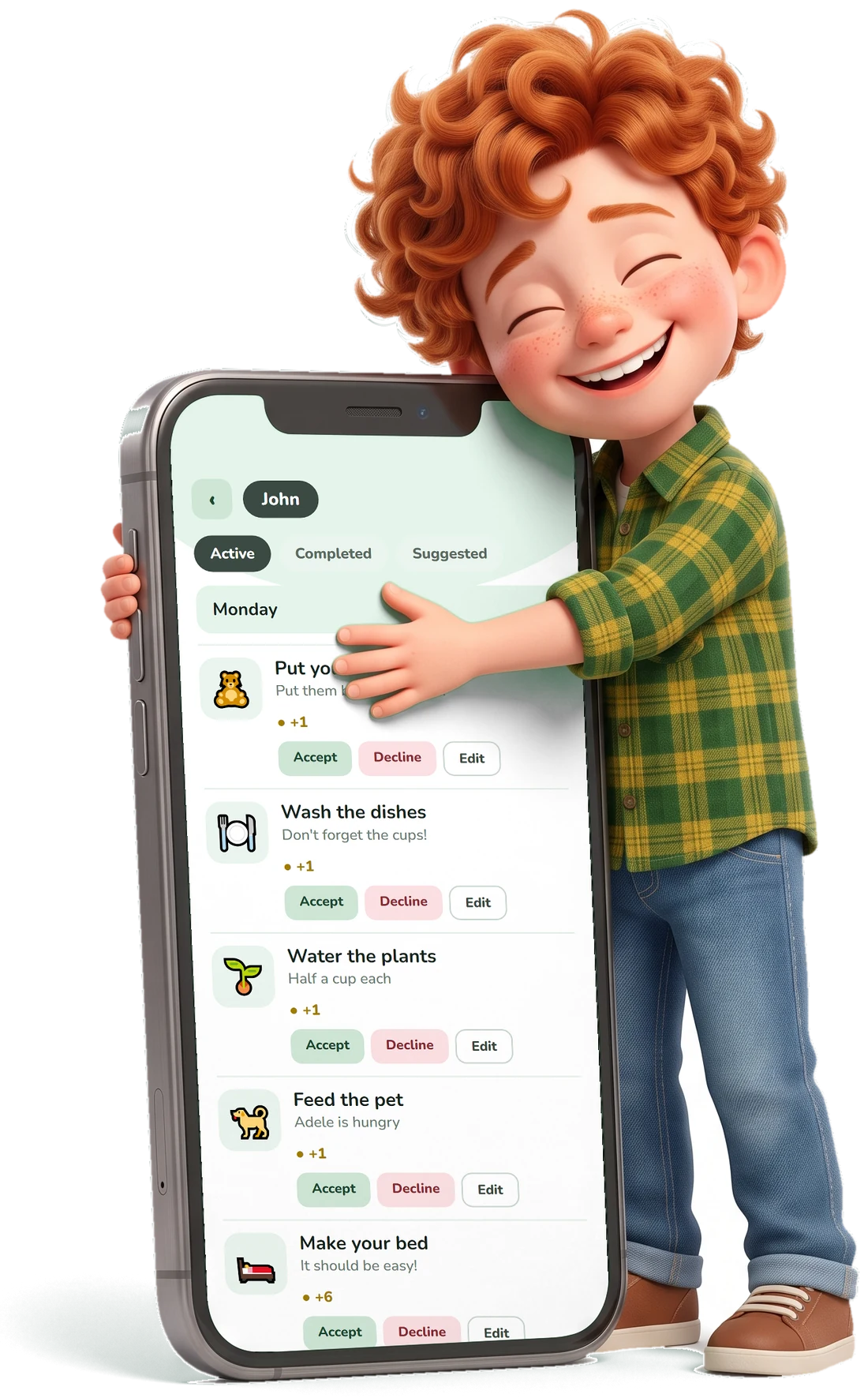
Your child can propose tasks and rewards. You accept, edit or decline. Initiative becomes part of the game.
Photo and video approval
You see the result and make the final call on every task, even when you are away from home.
Regular or one-time
Repeat tasks on chosen days or set a single challenge.
Flexible rewards
Give any number of points. Kids choose how to use the time they earn and can save it up.
You stay in control
Trust matters when it is your child's phone.
- You choose which apps are limited
- You can request deletion of your data
- Parent has the final say on every task

Questions parents ask
Short answers before you install.
Do I need to install it on my child's phone too?
Yes. There is a parent account and a child account, and each has its own part of the app. You manage tasks and approvals, your child sees their tasks and sends proof.
Does it really limit screen time?
Yes. You choose which apps are limited, and your child unlocks more time by completing approved tasks.
What ages is it for?
For children from 6, most useful at ages 9-14. The exact age rating is shown on the store page.
How much does it cost?
ScreenPoints is a subscription with a 7-day free trial. You can choose a monthly or yearly plan, and current prices are shown in the store.
What if my child doesn't do the task honestly?
You see the photo and decide. Decline it and the child can try again.
Did not find your answer? Write to us
Make screen time a fair deal
Download ScreenPoints and set your first task in under a minute.